0 0
0
No products in the cart.

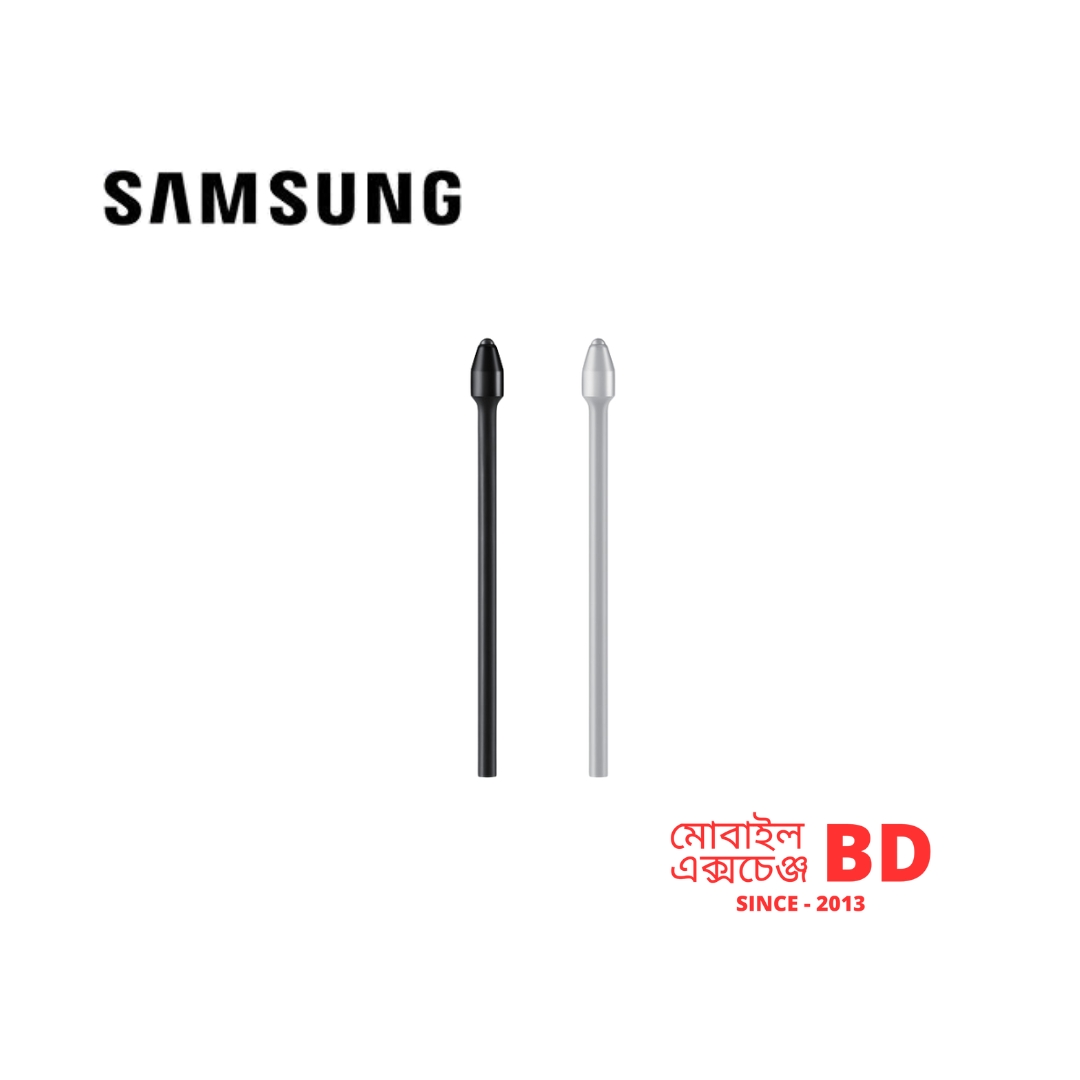
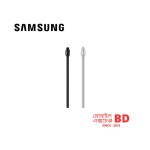
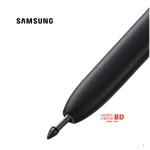
Samsung S Pen Tip Original

Brand: SAMSUNG

৳ 999.000 ৳ 1,499.000

(Available)
Quantity
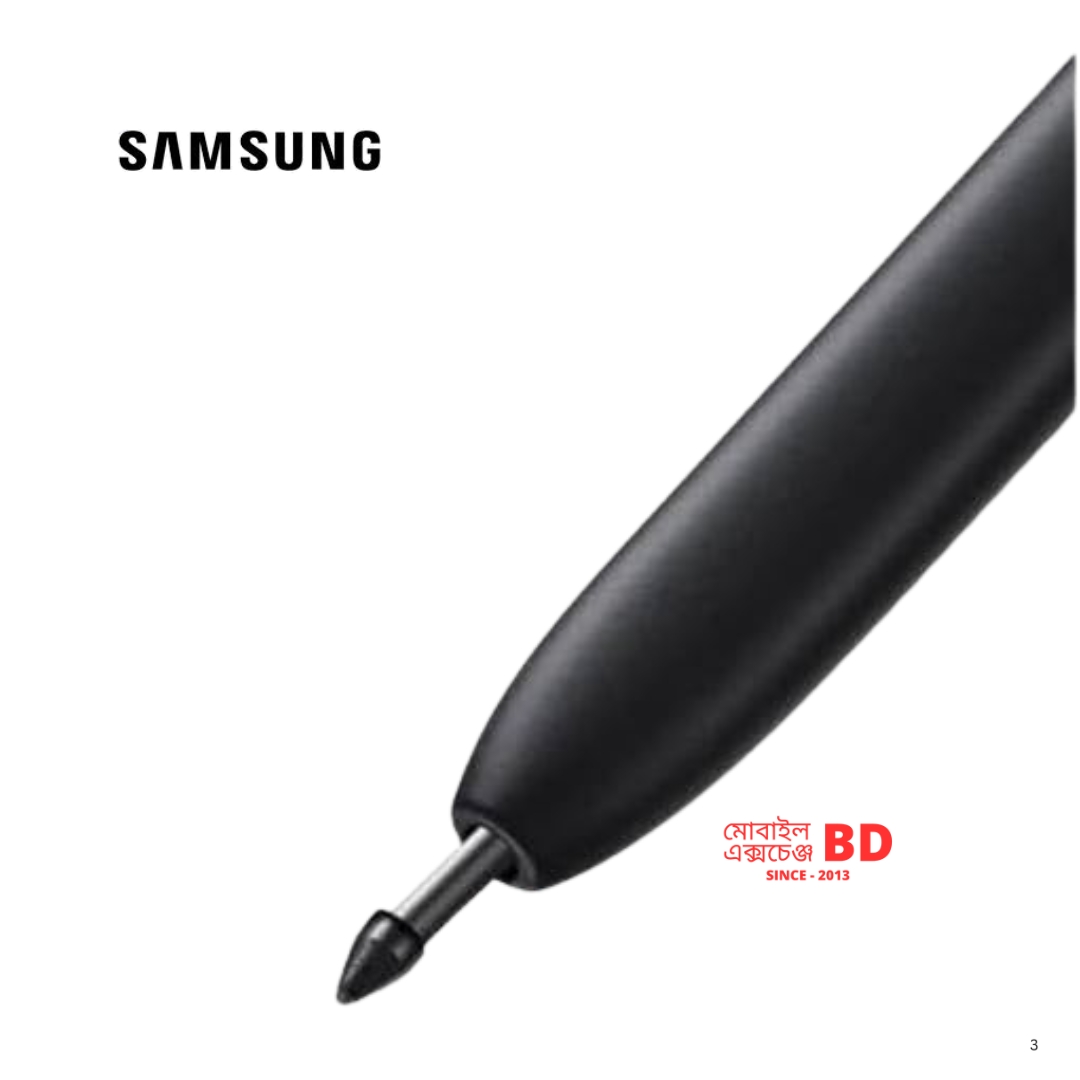
Samsung S Pen tips, also known as nibs, are replaceable components that wear down over time and are crucial for maintaining a smooth, precise writing and drawing experience on the screen. 
 
Key Details and Specifications
 
Feature Details
MaterialOfficial Samsung tips are typically made of a soft elastomer material (rubber/plastic blend) that allows them to glide smoothly and quietly across the glass screen, mimicking the feel of a pen on paper. Aftermarket options may be made of more durable materials like titanium alloy, though these can feel different and sometimes risk screen wear if a screen protector is not used.
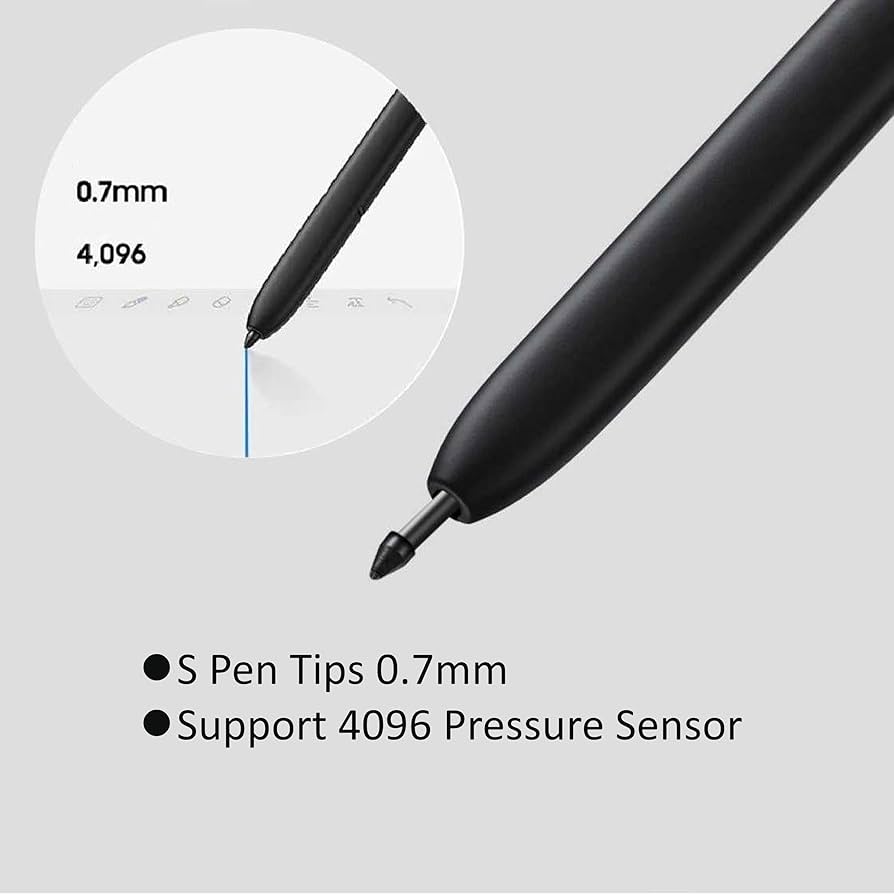
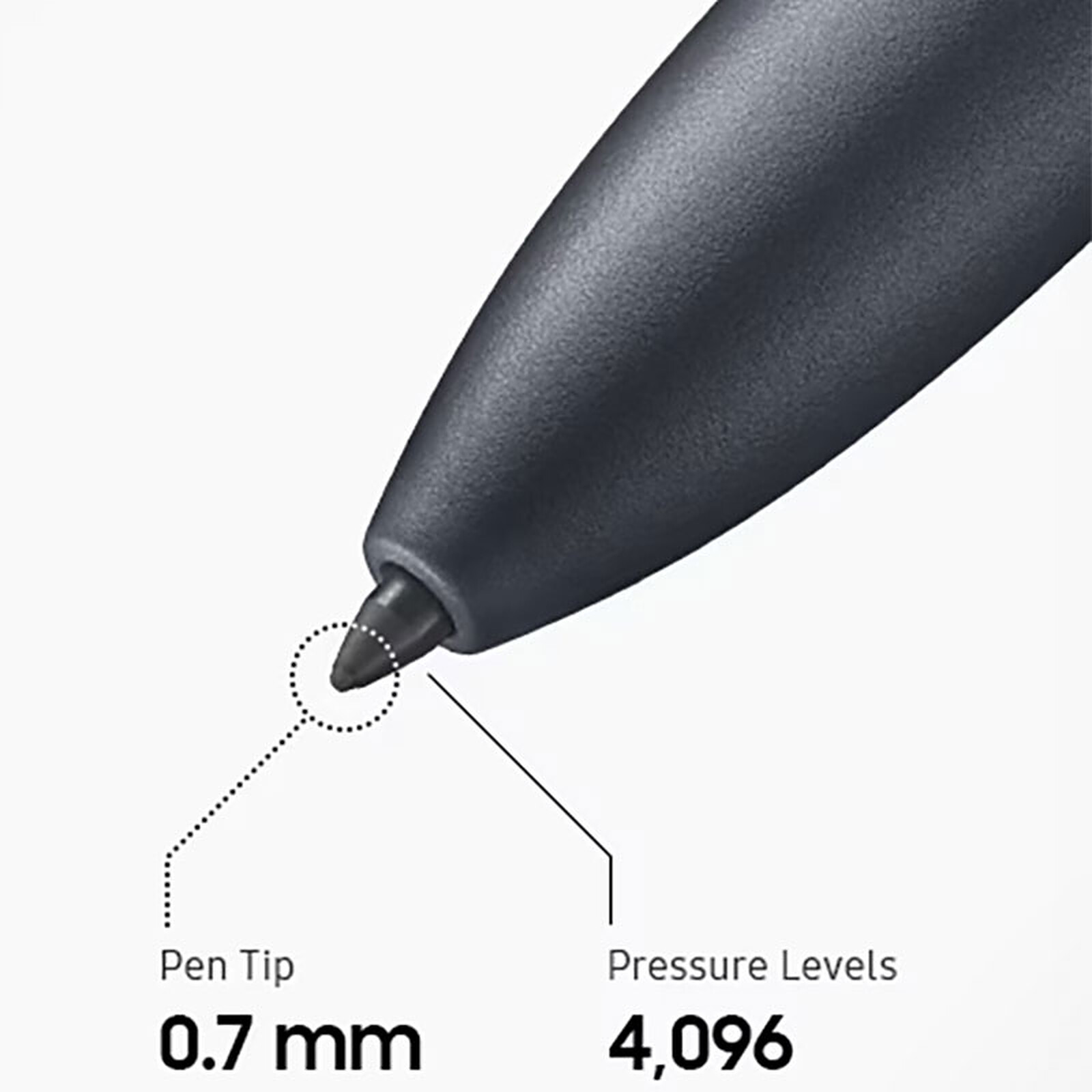
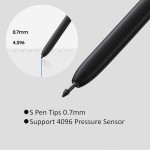
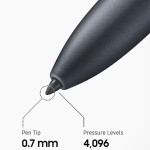
DiameterMost standard S Pens (for Galaxy S Ultra series, Note series, and Tab S series) use a fine 0.7 mm diameter tip for precise control and detailed work. The S Pen Fold Edition, however, uses a slightly thicker 1.5mm tip specifically optimized for the foldable screen's softer surface.
DurabilityThe soft elastomer tips are designed to wear out to avoid scratching the device's screen. The tip should be replaced when it shows signs of wear, such as a flattened surface, inconsistent performance, increased friction, or a scratching sound.
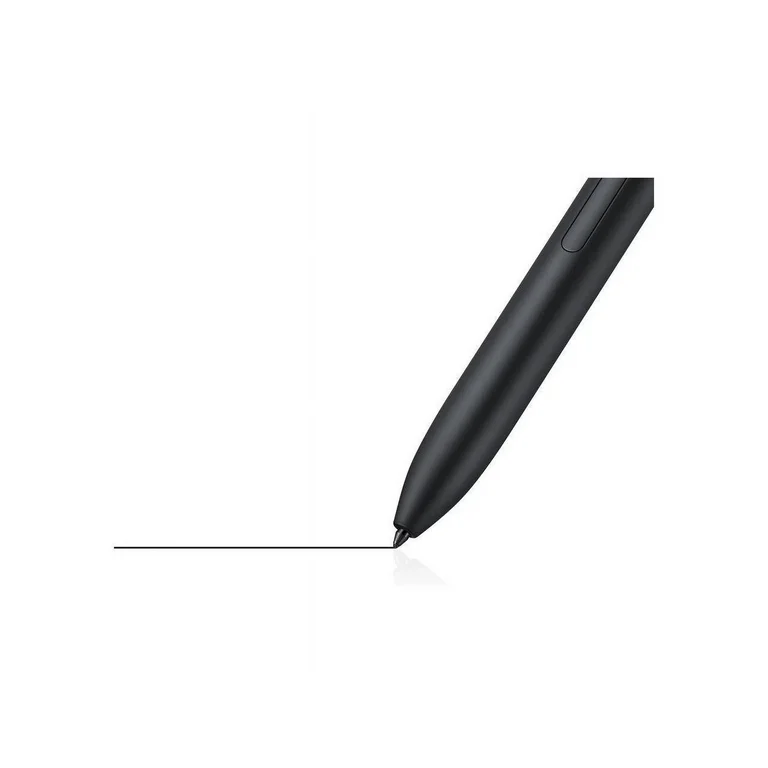
Pressure SensitivityThe S Pen tips are designed to leverage the pen's 4,096 levels of pressure sensitivity, ensuring that every stroke, whether light or heavy, is accurately registered.
 
Compatibility and Replacement
  • Compatibility: S Pen tips are not universally interchangeable across all devices. For example, a tip designed for the Galaxy S24 Ultra is generally compatible with other S series Ultra, Note, and most Tab S series pens, but it will not work with the S Pen Fold Edition or the S Pen Creator Edition for the Z Fold series, which require their own specific tips to prevent screen damage.
  • Replacement Process: The tip can be easily replaced using the small metal ring-shaped tweezer tool included in the original packaging or with replacement kits.
    1. Gently use the tweezers to pull the old tip straight out from the S Pen.
    2. Insert the new tip with your fingers, pushing it in gently but firmly until it is secure.
    3. Do not reuse old or damaged nibs, and avoid applying excessive pressure during installation.
When to Replace
You should replace your S Pen tip when you notice a degradation in performance. Common indicators include: 
  • Visible wear, such as the tip appearing flattened or deformed.
  • Inconsistent line quality or skipping when writing.
  • "sticky" feeling or increased drag on the screen surface.
  • An audible scratching sound during use, which suggests the protective outer layer has worn away, potentially exposing the inner core and risking screen damage. 
For regular users, this typically occurs every 3 to 6 months.

0.00

5 Star
0%
4 Star
0%
3 Star
0%
2 Star
0%
1 Star
0%

Submit Your Review

Please login to write review!

Upload photos
You can upload up to 6 photos, each photo maximum size is 2048 kilobytes

Related products